Ship a Blazor App with AI.
Watch the full build, on your schedule.
The complete recording of Patrick's live Blazor AI Workshop. 3 hours of real-time build with Claude and GitHub Copilot — from an empty folder to a multi-user Blazor app deployed to Azure, with an OpenAI-powered feature on top. Watch any time. Code along at your own pace.
Trusted by .NET developers at Microsoft, Lockheed Martin, Halliburton, Dubai Airports, DATAGENICS, and 300+ other companies in 100+ countries.
3 hours. One real, deployed app. Every step on camera.
Who it's for
- You know .NET basics but feel stuck whenever you try to ship something real.
- You've watched plenty of tutorials and want to see a full build, end to end.
- You want to use AI as a real coding partner, not a toy.
What gets built on screen
- A real multi-user Blazor app, from empty folder to production.
- Vertical slice architecture, CQRS, custom Mediator — driven by Claude & Copilot.
- Auth, sharing, OpenAI integration, Azure deployment — all in one session.
What you walk away with
- A repeatable workflow for shipping fast with AI.
- An AGENTS.md template so AI follows your conventions, not its own.
- The full recording & source code to revisit any time.
Press play. Code along. Ship something real.
Everything you need in one workshop.
3 hours of recorded build
Watch Patrick build the entire app in one unedited live session. No slides. No fluff. Real prompts, real mistakes, real fixes.
Lifetime access
Stream it on your schedule, as many times as you want. Hosted inside the academy and yours forever.
Full source code on GitHub
Clone the finished project, including the AGENTS.md, vertical-slice features, auth, sharing, and the OpenAI integration. Use it as your starting point for the next thing you ship.
Inside the recording: from dotnet new to a multi-user app on Azure.
A full Shopping List app, built live with Claude and Copilot. Every decision, every prompt, every fix on screen.
Set up the project & configure your AI stack
Scaffold a Blazor app with Identity, switch to SQL Server, and configure GitHub Copilot and Claude Code side by side. See exactly how to drive both tools so AI builds your code, not generic boilerplate.
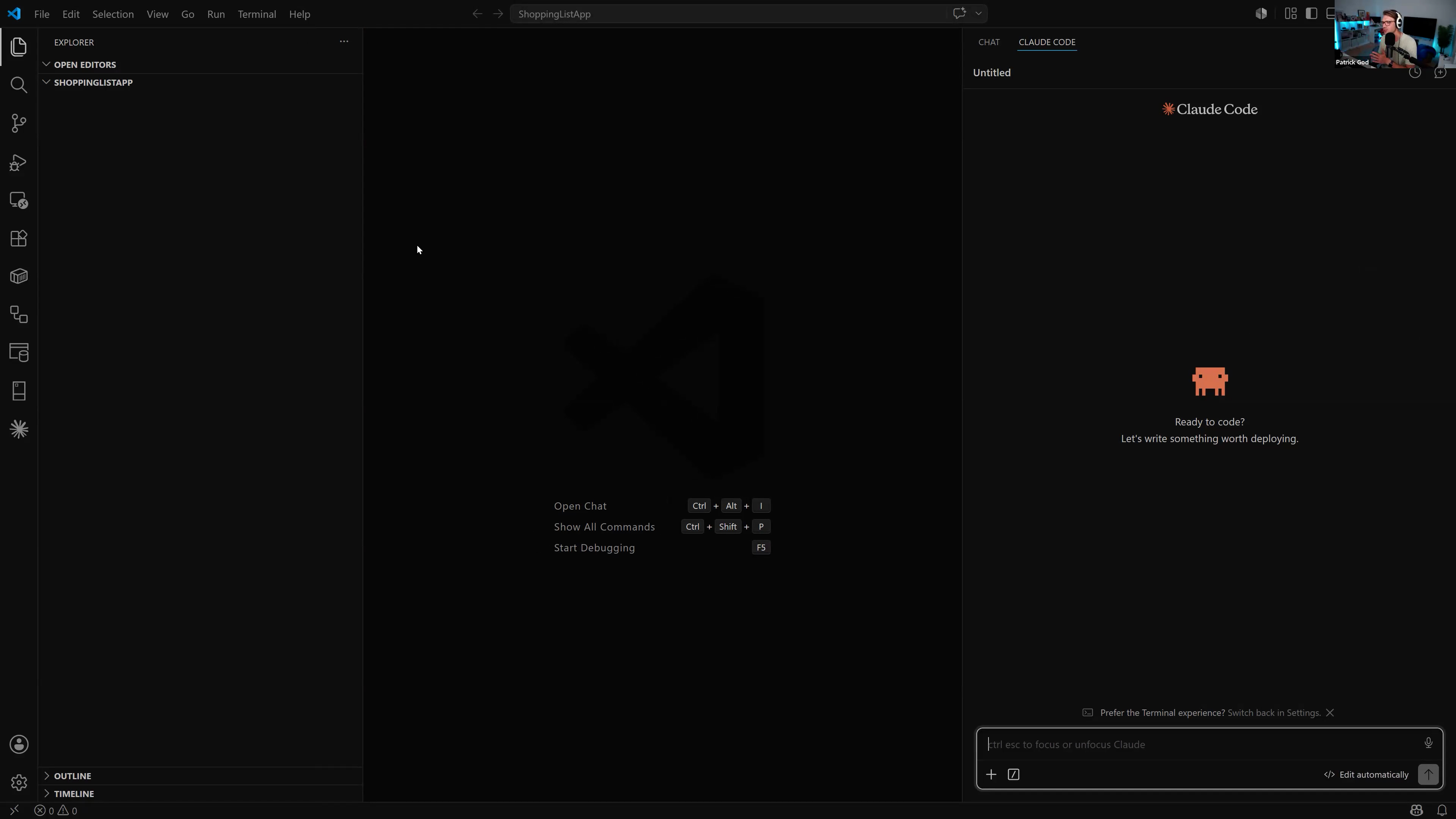
Vertical slice architecture, CQRS & a custom Mediator
Lay down entities, EF Core, and a clean feature-folder structure with CQRS commands, queries, and handlers — powered by a custom Mediator (no paid packages). Watch Claude implement full CRUD for shopping lists the way you would.
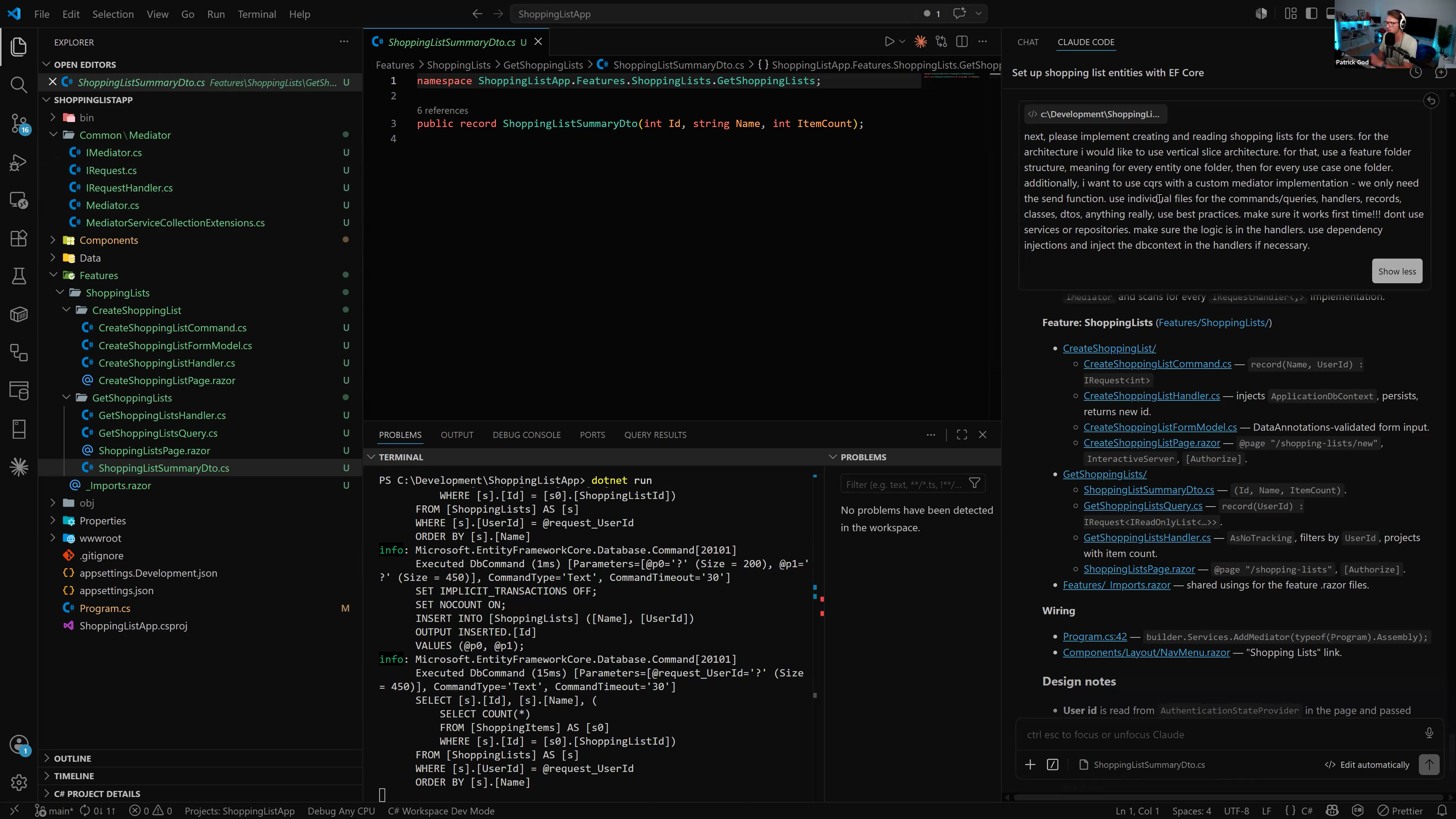
AGENTS.md — lock in your conventions
Generate an AGENTS.md file that captures your stack, architecture, and coding rules. From that point on, every new feature follows your conventions without re-prompting.
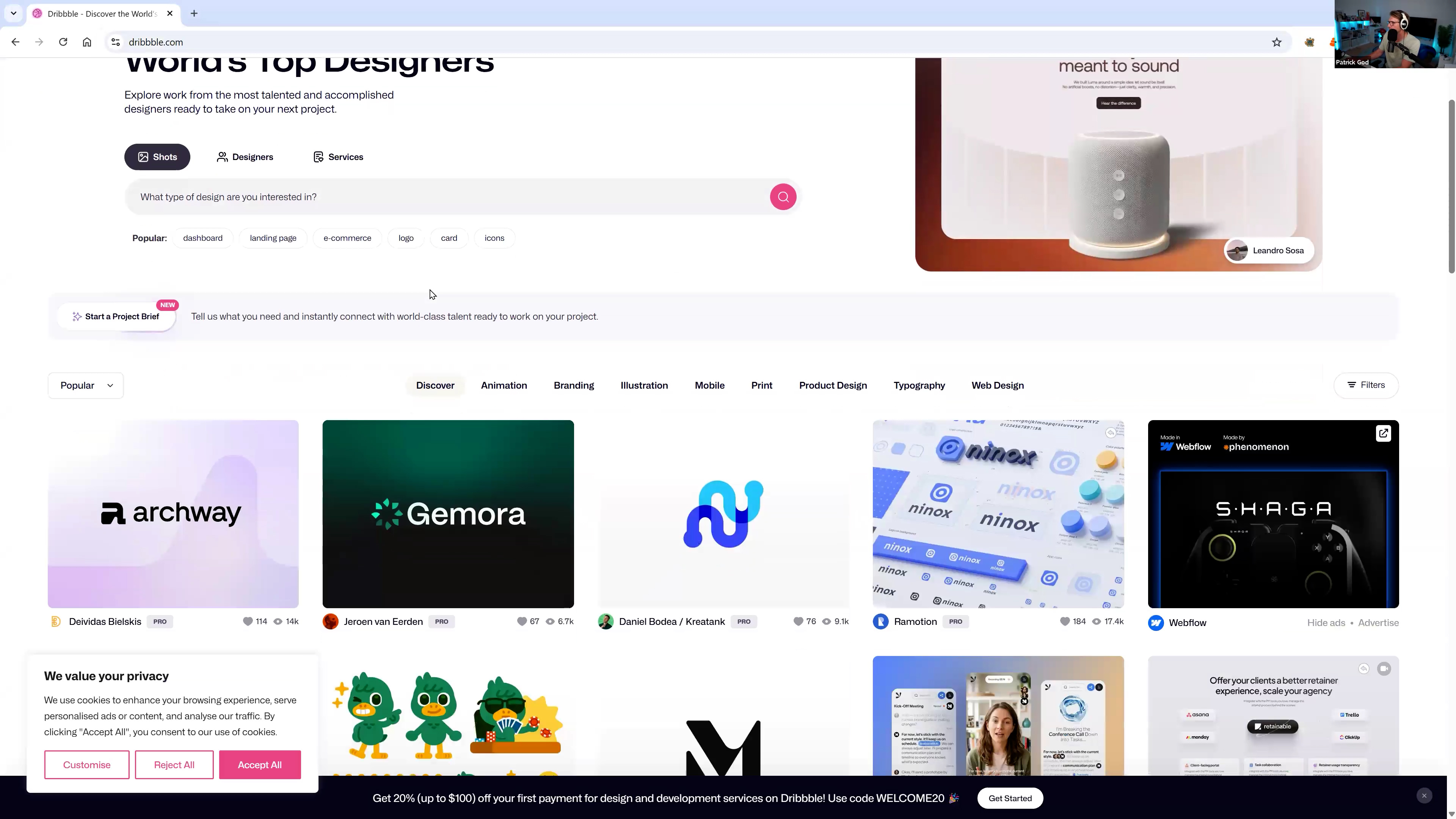
Restyle the entire app from a Dribbble screenshot
Drop a design screenshot into Claude and watch the whole UI get re-themed in one prompt. The exact trick Patrick uses to skip "designer block" entirely.
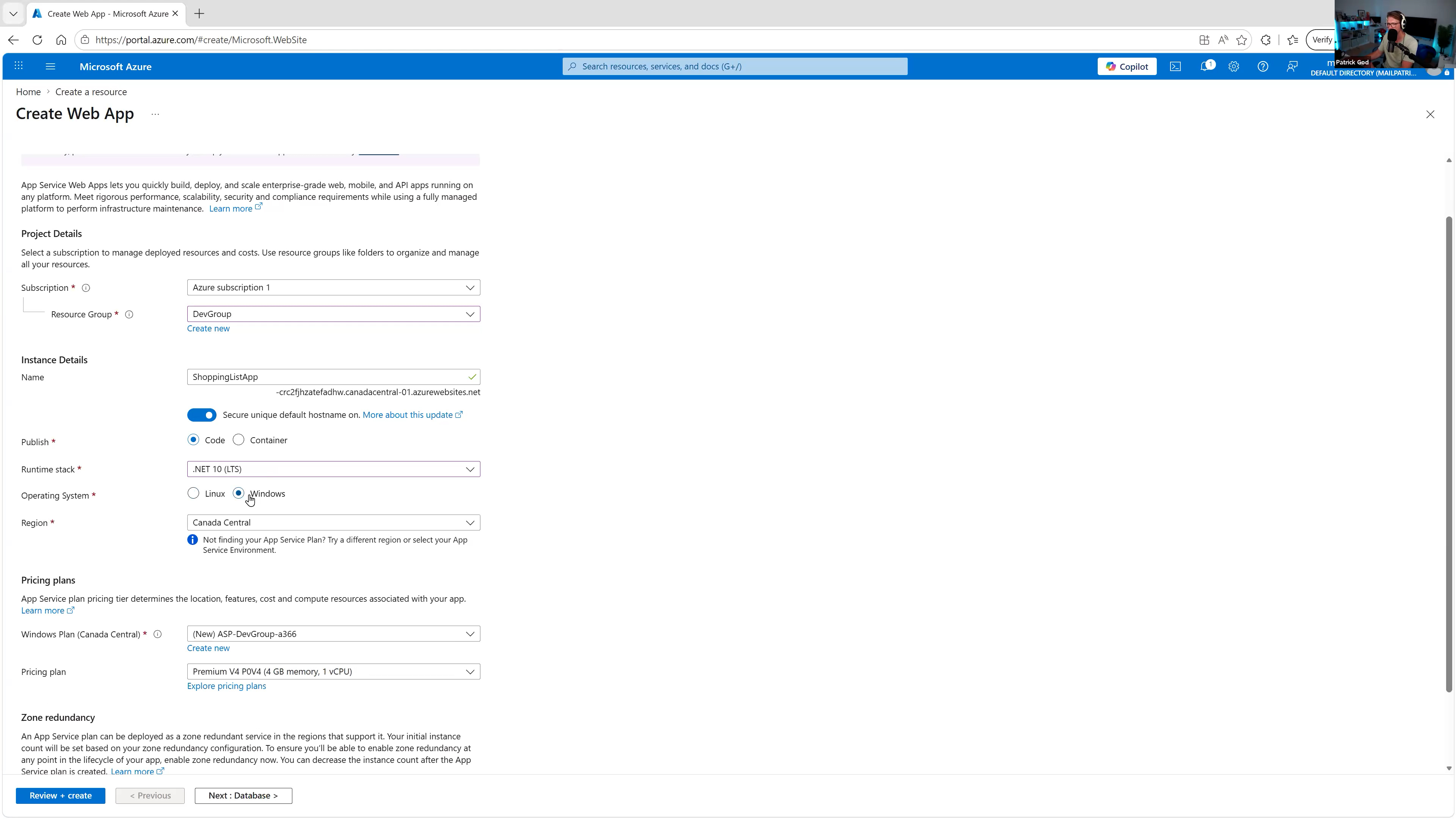
Deploy to Azure with continuous deployment
Create the Web App, Azure SQL, connection strings, and GitHub Actions pipeline. Push to main, watch it deploy automatically. Includes the idempotent migration trick for production databases.
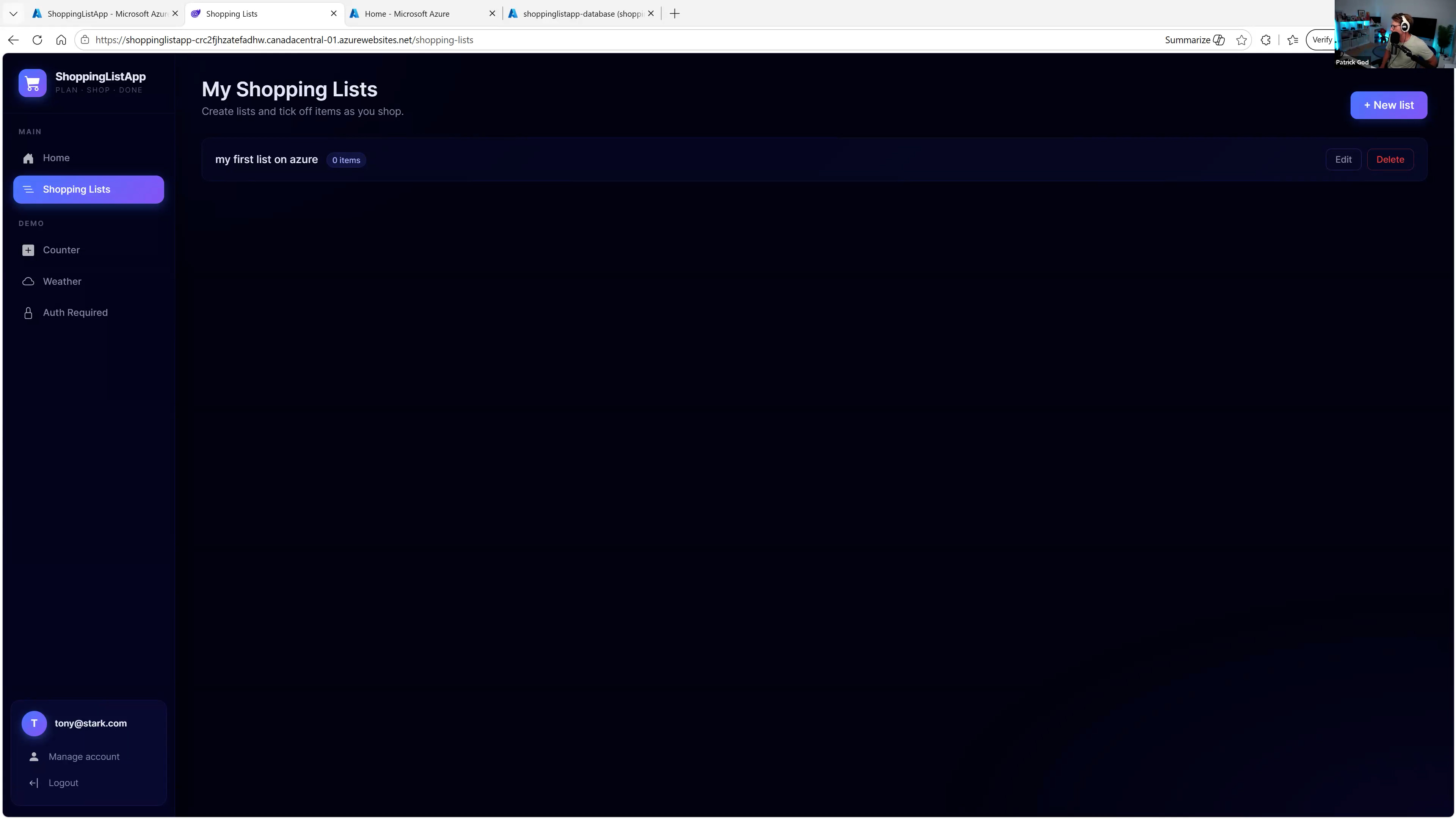
Add a multi-user sharing feature
Share lists between accounts with proper authorization. One natural-language prompt, one new vertical slice, one new migration — deployed.
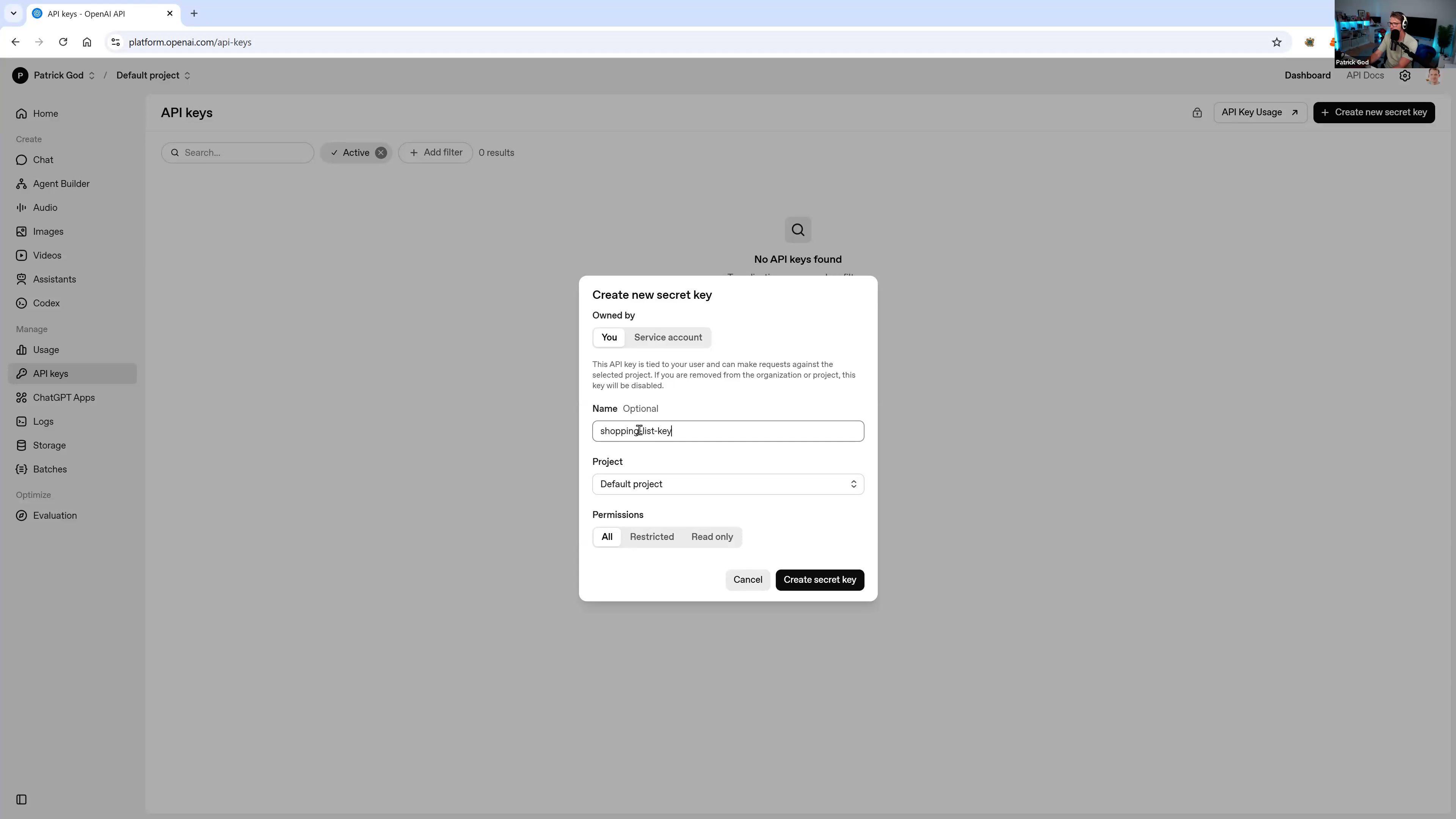
Wire up an OpenAI-powered feature
Add a "recipe to shopping list" feature using the OpenAI API and gpt-4o-mini. Type "spaghetti carbonara", get the ingredients added to your list. Includes user secrets locally and the right Azure config in production.
Is the workshop right for you?
This is for you if:
- ✓ You're a .NET developer who knows the basics but hasn't shipped much.
- ✓ You want to use AI to build faster without losing control of your code.
- ✓ You learn way better by watching a real build than by reading docs.
- ✓ You want a clear, repeatable workflow to use on your own projects.
This is NOT for you if:
- ✕ You've never written C# before. You'll be lost.
- ✕ You want a slow, multi-week, beginner course.
- ✕ You expect to copy-paste and skip understanding the code.
Get the workshop.
Or get every course in the academy.
Just want this one workshop? Get the recording.
Already on the All Access Pass? You're in. The workshop is included.
WORKSHOP RECORDING
3 hours · watch any time
One-time payment.
- ✓Full 3-hour workshop recording
- ✓Lifetime access. Watch anywhere, any time.
- ✓Full source code on GitHub
- ✓The exact Copilot + Claude workflow Patrick uses
- ✓AGENTS.md, vertical slice, OpenAI, Azure CD — all on screen
Yearly All Access Pass
Best value • save 59%
$40.83/mo billed annually • 59% cheaper than monthly
Twice Monthly Live Sessions
Real time with Patrick. Join live or watch the replay
Private Community & Direct Answers
Members-only Discord with Patrick and other devs
Full Course Library
Every course and future releases FREE
Prefer monthly? Join for $99/month.
30-day money-back guarantee
I'm sure you'll find this course incredibly valuable. But if it doesn't feel like the right fit, no problem. You're covered by a 30-day money-back guarantee. No questions asked.


Patrick God
15+ years building production .NET apps. 80,000+ developers on YouTube. Thousands of students inside the academy. I've been running live cohorts for the last year, and the same pattern shows up every time:
Developers know .NET. They own the books. They've watched the courses. They still haven't shipped. The thing that finally moves the needle isn't more theory. It's watching someone actually build something real, end to end, and copying the workflow.
That's what this workshop is. Press play. Code along. Leave with a deployed app.
Questions before buying?
patrick@dotnetwebacademy.com
Built for developers who take Blazor seriously.
The .NET Web Academy covers lots of cutting edge technology that will help you be a productive web developer.

Mackinnon Buck
Senior Software Engineer at Microsoft
on the Blazor Team
Real results from the academy.
Hear it directly from members who've shipped real .NET and Blazor apps.
Augustus De Vree
“I love this course! Learning so much from this course, Patrick explains everything so well, even with a bit of humour and irony!”
Web Application Designer & Information Architect.
Zak Karachiwala
“I have had a great time as one of the first members of the academy. The lessons were very well presented and the slide material was very easy to read and follow. I have learned heaps and highly recommend it.”
Domain Architect at John Holland.
Per Sehlin
Press play to hear what Per has to say about working through the academy in his own words.
More from the community
“Patrick is an incredibly gifted programmer and educator. He writes code effortlessly and does a beautiful job of explaining concepts and how everything interacts. Patrick is among the best instructors I've ever worked with, and I give him my highest recommendation.”

Dynamic and results-driven professional
“I have really appreciated the in-depth explanations and examples within the .NET Web Academy tutorials to help me understand and learn Blazor.”

Web & Database Developer focusing on Blazor Web Apps
“It is always a pleasure to work with Patrick. He's an outstanding problem solver with strong analytical skills, and a professional engineer with a strong skill set in both frontend and backend development.”

Professor for OOP & Distributed Systems, Frankfurt UAS
“I was looking for a course that used the latest technology and covered the entire process of building a Blazor Wasm application from the ground up. Patrick's Blazor course was the perfect choice. The pacing is brisk and packed with useful information.”
Frequently asked questions
When can I start watching?
Instantly. After checkout you get immediate access to the full recording and source code inside your .NET Web Academy account.
How long is the recording?
3 hours, in one unedited session. It's the actual live workshop from May 2026 — including the Q&A interruptions, the small fixes, and Patrick reacting to chat in real time.
Do I need to know Blazor already?
You should be comfortable with C# and have at least seen a Blazor component before. If you're brand new to .NET, the .NET Web API & Blazor WASM masterclass is a better first step.
Do I need GitHub Copilot or a Claude subscription?
The workshop shows both Claude Code and GitHub Copilot. To follow along step-for-step you'll want at least one of them, but the workflow applies to any modern AI assistant. The free Copilot tier works fine.
Is the workshop included in the All Access Pass?
Yes, 100% included. If you're an active monthly or yearly AAP member, the workshop is already unlocked in your account. No extra payment needed.
If I buy the workshop, can I upgrade to the All Access Pass later?
Of course. You can join the AAP any time for $490/year or $99/month. The AAP unlocks every other course in the academy plus twice-monthly live sessions with Patrick.
What's the refund policy?
30-day money-back guarantee. If the workshop isn't what you expected, email me within 30 days and you get a full refund. No questions asked.
Can I get an invoice for my company?
Yes. After your purchase an invoice is sent to your registered email automatically. Make sure to enter your company details (Tax ID, billing address) correctly at checkout.
3 hours. One real app.
Deployed to Azure. Yours forever.
Press play. Code along. Ship something real. Free for All Access Pass members.
Get Instant Access Recording + source code · 30-day refundQuestions? Email patrick@dotnetwebacademy.com