.NET & Blazor with AI
Pilot, not passenger.
You will not write much code. You will decide what gets built, constrain how it gets built, and know whether what came back is right. A complete workflow for AI-assisted .NET, built from two live cohorts and ten live sessions with working developers.
Early access: you get every module as it lands, plus the finished course
Construction got cheap.
Deciding and verifying did not.
Most AI content teaches you to prompt faster. This teaches you the harness: the constraints, structure, and review discipline that make AI-generated .NET code something you can actually ship and defend.
Direct the work
Constrain the architecture up front, ban the patterns you do not want, and delegate whole slices of work instead of accepting line-by-line autocomplete.
Verify what comes back
Read AI output like a pull request from a talented junior: fast, capable, occasionally confidently wrong, and never accountable. Catch invented packages and wrong turns early.
Ship it for real
Building got fast, deploying did not. Azure, a pipeline, migrations in production, and what you still own once strangers start using it.
The leverage moved from which model to how you drive it.
The frontier models have converged. Three experienced developers in the second cohort independently concluded they could drop to a weaker model and not feel the difference, as long as the harness was good. If that holds, and the benchmarks say it does, then the durable skill is not the model you pick. It is the constraints you put around it.
So this course is built around the harness. No model version numbers, no tool-specific tricks that break next quarter. Everything here still applies when the next release lands.
A real issue tracker. Then you let an agent use it.
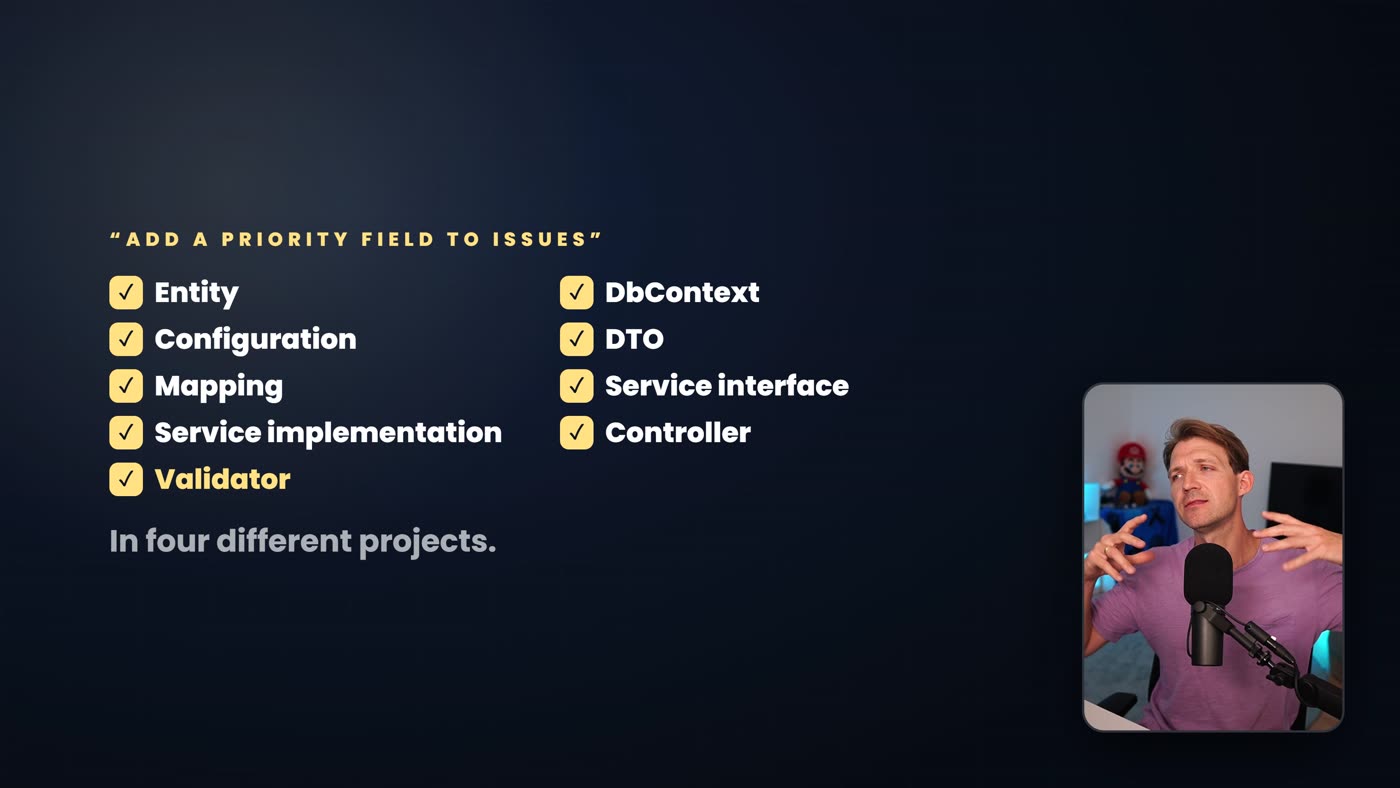
One project, built across the whole course. Auth, roles, real data, real structure - then deployed, then given an MCP server so an agent can read a ticket, work it, and report back. That last part is not in any other .NET course.
Built properly
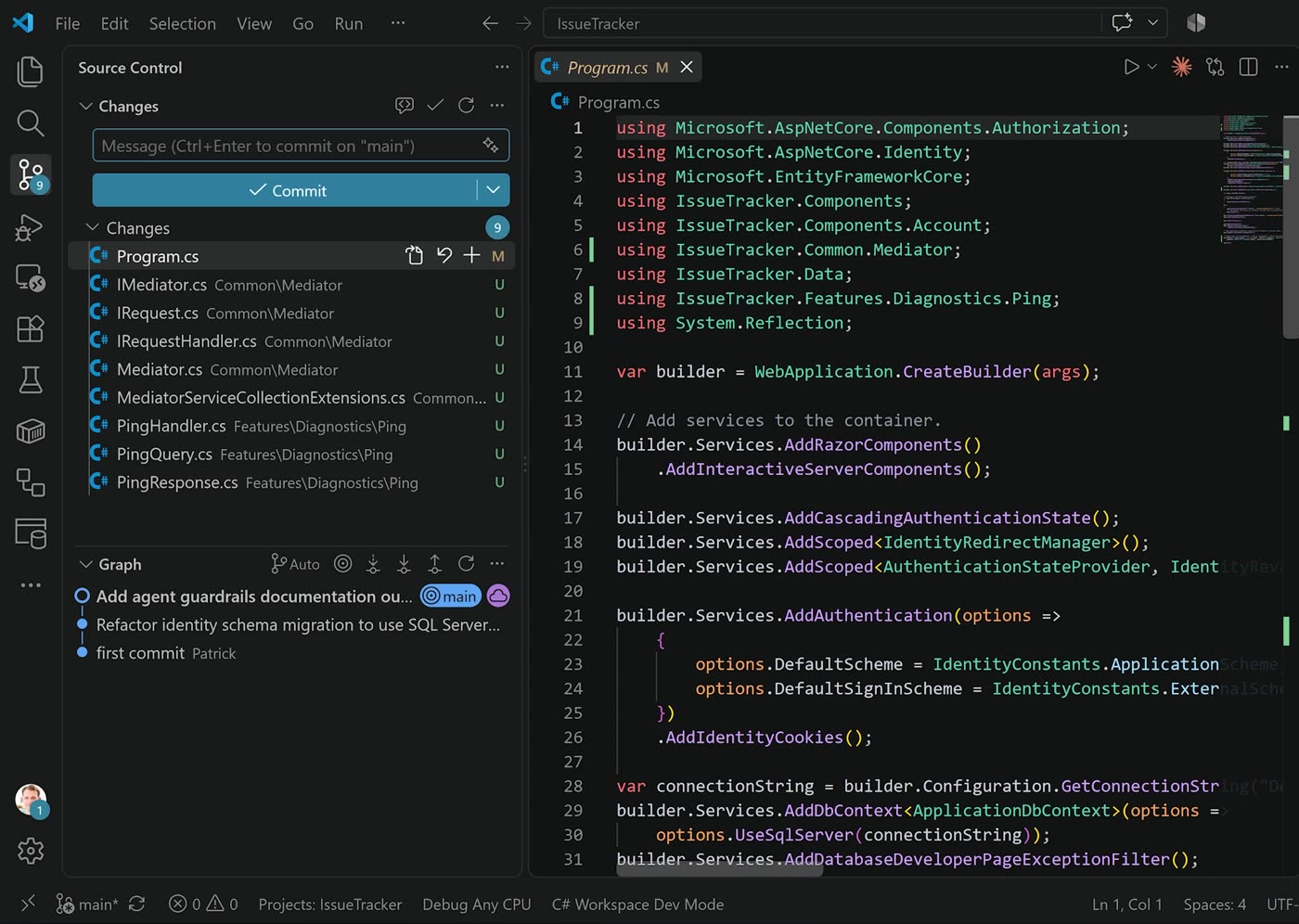
Blazor Web App on .NET 10, Identity, SQL Server, vertical slices, commands and queries, and a custom mediator in about forty lines. No paid packages.
Given an MCP server
The AI already knows your code. It does not know your data. You build the server that lets an agent query real issues, act on them, and stay inside boundaries you set.
With an AI feature inside
Not "how to use Claude" but how to put an LLM inside software you ship: structured output, streaming, and sane handling for timeouts, rate limits, refusals and garbage.

Four modules live now. Ten when it is done.
33 lectures, 2h 19m, ready the moment you buy. The remaining six modules land as they are recorded and cost you nothing extra. Sequential, because the project accumulates.
Welcome Live now
You know what you are building, and how to follow along.
1 · How these things actually work, and what they cost Live now
You finish with an empty but running project, and a mental model of what you are spending.
2 · The harness Live now
You finish with a working AGENTS.md, and evidence that it changes the output.
3 · Structure so context is cheap Live now
You finish able to create and list issues, with the pattern established.
4 · Working in sessions Live now
You finish able to stop mid-feature and pick it up cold without losing the thread.
5 · Delegation Coming
You finish delegating whole units of work instead of supervising every line.
6 · Review discipline Coming
You finish able to catch the failure modes that actually cost you time.
7 · Shipping Coming
You finish with the app live on Azure, deploying on push.
8 · Give your app an MCP server Coming
You finish with an agent that can read a ticket from your app and work it.
9 · Build an AI feature with the Claude API Coming
You finish with an AI feature inside the product, not beside it.
10 · What stays human Coming
You finish knowing which parts of the job are still yours.
Working .NET developers who already use AI, and want to trust the output.
- You know C# and some Blazor, and you have shipped something before
- You already use Copilot, Claude, or similar, and the results feel inconsistent
- You want a repeatable workflow rather than prompts that worked once
- You care what this costs you per month, and want to control it
Not for you if you are new to .NET, or you want a tour of one specific AI tool. This is tool-agnostic on purpose, and it assumes you can already read and judge C#. New to Blazor? Start with the free Blazor AI Jumpstart, then come back.
You will need: the .NET 10 SDK, VS Code or Visual Studio, and an AI coding tool of your choice.

Patrick God
15+ years building production .NET apps. 80,000+ developers on YouTube. This course is not theory: it is built from two paid live cohorts and ten live sessions with working developers, where the same problems came up again and again - cost, drift, review, and what to do when the agent is confidently wrong.
Everything here is what actually survived contact with real projects.
$149 while it is being finished.
$249 the day it is done.
Early access means you get modules as they land, you help shape what gets covered, and you keep the finished course. The early access price holds while the course is still being recorded and ends when the last module lands, expected mid-October. Finish sooner and it rises sooner, so the earlier you buy, the less you pay.
THE COURSE
Yours for good
One-time payment. $149 now, $249 once the course is complete.
- Modules 1-4 available today - 33 lectures, 2h 19m
- Modules 5-10 as they are recorded
- All 10 modules when complete
- The finished course when it lands
- Full source code for the issue tracker
- Lifetime access. Watch any time.
- Shape what gets covered
Yearly All Access Pass
Save $141 on your first year
Best value • save 59%
First year. Renews at $490/year.
$40.83/mo billed annually • 59% cheaper than monthly
Twice Monthly Live Sessions
Real time with Patrick. Join live or watch the replay
Private Community & Direct Answers
Members-only Discord with Patrick and other devs
Full Course Library
Every course and future releases FREE
Prefer monthly? Join for $99/month.
30-day money-back guarantee
I'm sure you'll find this course incredibly valuable. But if it doesn't feel like the right fit, no problem. You're covered by a 30-day money-back guarantee. No questions asked.

Frequently Asked Questions
What does early access actually mean?
You buy now at $149 and get modules as they are released, rather than waiting for the whole thing. You also keep the finished course at no extra cost, and you can tell me what you want covered while it is still being made. The early access price holds while the course is unfinished and ends when the last module lands, expected mid-October. If recording goes faster it rises sooner, so buying earlier is always the cheaper option.
What if you never finish it?
Fair question, and the honest answer is that you are trusting me a little. What I can point at: modules 1 to 4 are already recorded and watchable today, so you are not buying an empty promise, and the remaining six are outlined lecture by lecture in the curriculum above. Recording runs through the rest of September and into October. On top of that you have a 30-day money-back guarantee, so if the pace is not what you expected, email me and you get your money back, no questions asked.
Do I need a specific AI tool?
No. The course is tool-agnostic on purpose. The examples use current frontier models, but the whole point is the harness around the tool, not the tool itself. It works with Claude, Copilot, or whatever replaces them next year.
Will this go out of date when the next model ships?
That is exactly what it is designed to avoid. The models have converged, so the leverage has moved from which model you use to how you constrain it. Nothing in this course depends on a specific version number.
How is this different from the Blazor AI Workshop?
The workshop is a three-hour recorded live build of a shopping list app, in one sitting. This is a structured course, ten modules, a different project, and it goes far further: sessions and handovers, delegation, review discipline, deploying, an MCP server, and a real AI feature. They do not overlap.
Is it included in the All Access Pass?
Yes. Every course is included in the All Access Pass, and this one is no exception. If you are weighing the two, the Pass gets you this course plus every other course in the academy and twice-monthly live sessions.
Do I need to know Blazor already?
Basic C# and Blazor, yes. You do not need to be an expert, but this is not a beginner course and it assumes you can read and judge C#. If you are new to Blazor, start with the free Blazor AI Jumpstart first.
The bottleneck moved.
It did not disappear.
Construction got cheap. Deciding what to build and knowing whether it is right did not. This is the workflow for staying the one who decides.
Get early access - $149 $249 once it is finishedQuestions? Email patrick@dotnetwebacademy.com